iPhone · iPad · Mac · Apple Watch
Corante
News without the watching
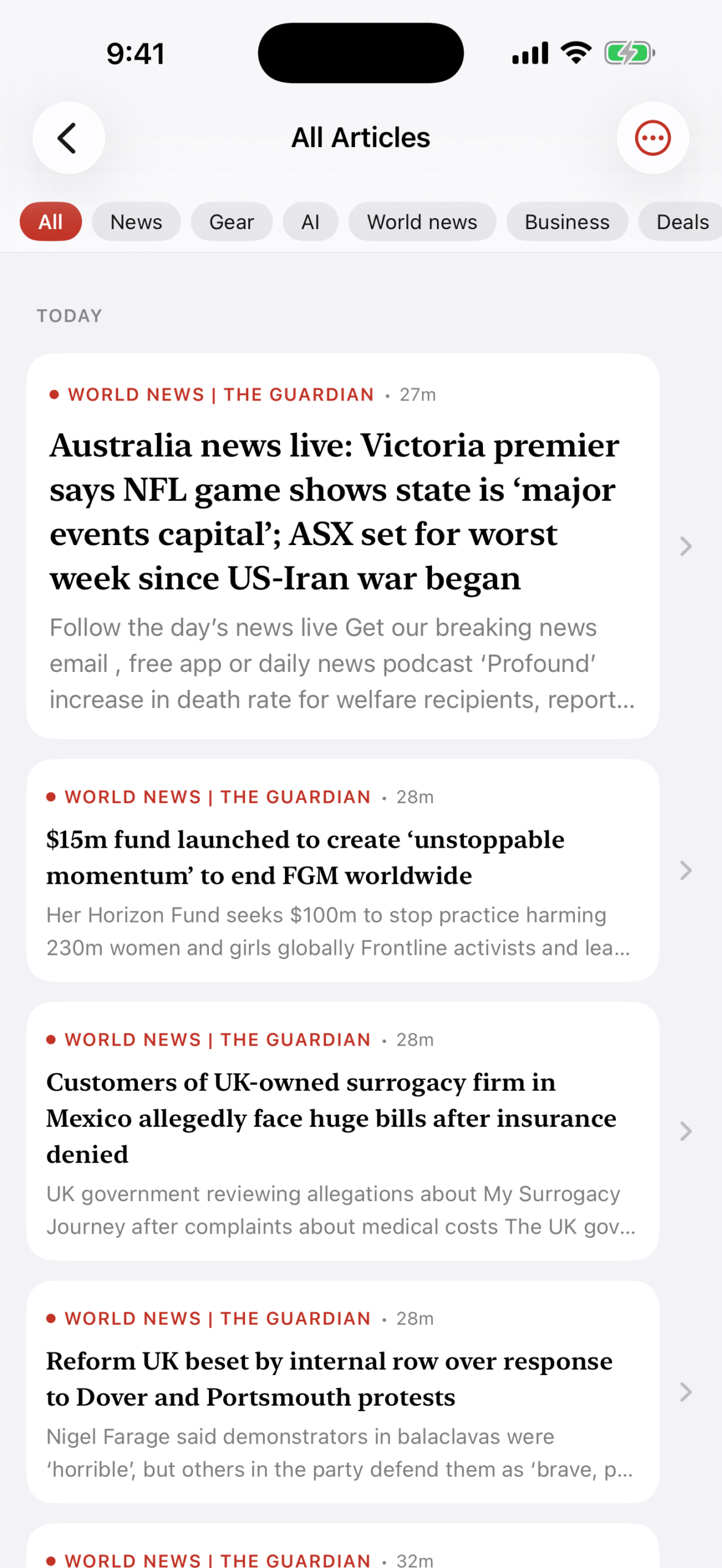
News without the watching. Follow any site that publishes a feed and read everything in one timeline — in the order you choose, without an algorithm deciding what you see.
Free, and not a trial. No advertising, no subscription, no paid tier, and no in-app purchases.
Private by architecture
There is no server to trust.
Your subscriptions and reading history live in your own private iCloud database, which belongs to your Apple Account. The developer cannot read it. Neither can Apple.
Your devices fetch feeds directly from the publishers, the same way a browser would. Nothing is relayed through anyone in between, because there is no in between.
There is no account to create, no email address to hand over, and no password to forget. Install it and start reading.
Three ways to read
The same stories, the way you want them.
Compact
Headlines and sources, nothing else. For working through a lot of feeds quickly, the way you would scan a wire.
Cards
A balance of headline and image. Enough of the article's own artwork to recognise it, without turning the list into a gallery.
Mosaic
A magazine feel, with headlines set over the artwork. For the end of the day, when reading is the point rather than clearing a queue.
Newsprint
A second theme, not just a darker one: warm paper, sepia ink and serif type throughout. Modern and Newsprint each have their own light and dark.
Getting started
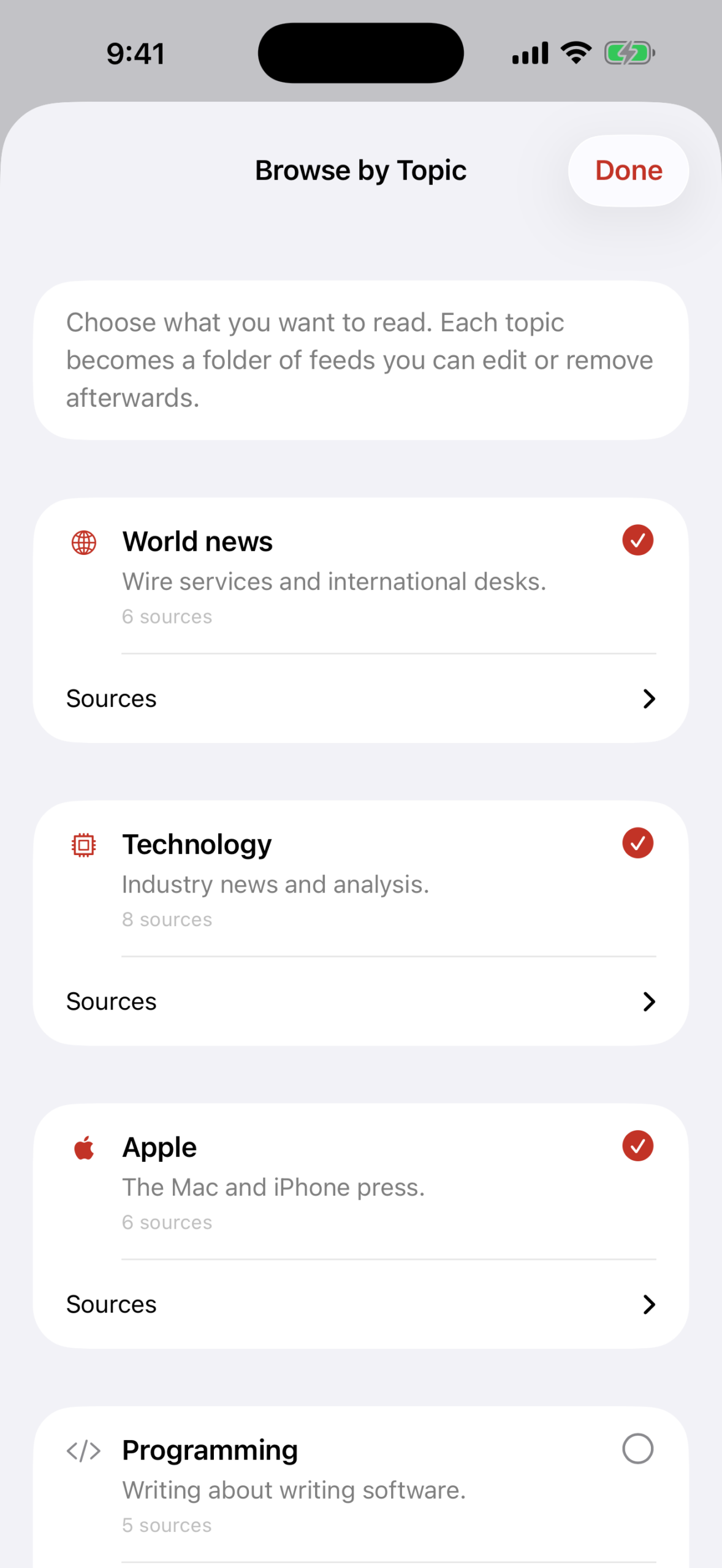
Start with a subject, not a list of addresses.
Choose what you read — world news, technology, science, medicine — and Corante subscribes you to a set of free sources for each one, as a folder you can edit or empty afterwards.
The list lives inside the app. Choosing a subject contacts nobody, and nothing is fetched until you subscribe.
Clean reading
The piece, not the page it was buried in.
Most feeds give you two lines and a link. Corante fetches the article and extracts the text, so you get the writing without the furniture around it.
Articles render with JavaScript switched off, which removes every analytics beacon, tracking pixel and consent wall in one step.

On the Mac
A real three-column Mac app.
Not a phone app in a window. Keyboard shortcuts throughout, and the same reading state as every other device you own.
Syncs everywhere, silently
Add a feed on your Mac. It's on your iPhone before you pick it up.
Read an article on the train and it is marked read on your iPad at home. Star something on your Apple Watch and it is waiting for you later.
Built for more than English
Text direction is resolved per article rather than per app, so a right-to-left headline and a left-to-right one sit correctly in the same list. The article decides, not your device.
Bring your subscriptions
Import an OPML file from any other reader and pick up where you left off. Export it whenever you like. Your list is yours to take elsewhere.
Finding things to read
Type a publication's name and Corante checks its own built-in list, then tries the website itself — both without asking anyone else. An optional online lookup is there if you want it, switched off until you say otherwise.
On every screen you own
iPhone and iPad. A three-column Mac app with keyboard shortcuts. An Apple Watch app for headlines on your wrist. Widgets and Shortcuts actions for the rest.
Specifications
- Platforms
- iPhone, iPad, Mac, Apple Watch
- Price
- Free — no advertising, no subscription, no in-app purchases
- Account required
- None
- Sync
- Your own private iCloud database, via CloudKit
- Data collected
- None
- Feed formats
- RSS, Atom, RDF, JSON Feed, OPML import and export
- Works offline
- Yes, for anything already downloaded